

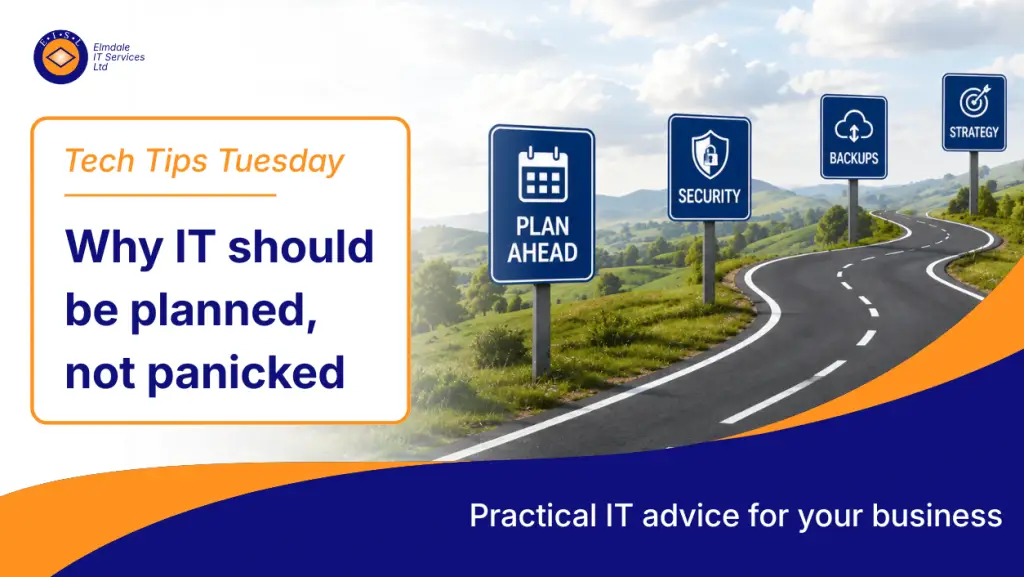
Steve’s Tech Tips: Why IT Should Be Planned, Not Panicked
Too many businesses only think about IT when something goes wrong.
The server fails. The internet drops. A laptop dies without warning. A key system stops working. A cyber incident happens. Staff cannot access files, emails, phones, or business-critical software.
Suddenly, everything becomes urgent.
Decisions have to be made quickly. Costs become harder to control. Staff become frustrated. Productivity drops. What should have been a planned improvement turns into a stressful emergency.
That is panic-based IT.
A much better approach is to plan ahead, review systems regularly, and make sensible technology decisions before problems become business-critical.
At Elmdale IT Services, we believe IT should support your business, not hold it back. Good planning helps reduce risk, improve reliability, control costs, and give business owners far more confidence in the systems they rely on every day.
Reactive IT is risky
Reactive IT usually means waiting until something fails before taking action.
This might feel cheaper in the short term, but it often creates bigger issues later. When IT is only dealt with during emergencies, decisions are rushed and options are limited.
That can lead to:
- Higher emergency repair costs
- Poor purchasing decisions
- Longer downtime
- Security gaps
- Staff frustration
- Lost productivity
- Ageing equipment staying in place for too long
- Systems that do not work well together
- No clear recovery plan when something goes wrong
An emergency fix may get the business moving again, but it does not always solve the underlying problem. In many cases, it simply pushes the issue further down the road.
For example, replacing a failed laptop quickly may solve one user’s issue, but if the rest of the devices are also old, slow, unsupported, or unmanaged, the business still has a bigger problem waiting to happen.
That is why ongoing IT support and maintenance should be about more than fixing tickets. It should include proactive advice, regular reviews, system monitoring, lifecycle planning, security checks, and clear recommendations.
Planned IT supports the business
Good IT planning looks at where your business is now and where it needs to go.
It should not just focus on technology for technology’s sake. It should consider how your staff work, which systems are critical, what risks exist, where time is being lost, and what improvements would make the biggest difference.
A practical IT plan may include:
- Device replacement cycles
- Server, cloud, or hybrid infrastructure strategy
- Microsoft 365 setup and security
- Cyber security protection
- Backup and disaster recovery
- Internet resilience
- Wi-Fi and network performance
- Telephony and communication systems
- Staff onboarding and offboarding
- User access control
- Compliance requirements
- Software licensing
- Budget planning
- Business continuity planning
This turns IT from a reactive cost into a planned business function.
With proper IT consultancy and planning, businesses can make informed decisions instead of reacting under pressure. This means the right improvements can be prioritised, budgeted for, and delivered in the right order.
Budgeting becomes easier
One of the biggest advantages of planned IT is predictable budgeting.
Without a plan, IT costs often arrive as surprises. A server suddenly needs replacing. A firewall licence expires. A key piece of software becomes unsupported. Several laptops fail at the same time. A backup system is found to be inadequate only when it is needed.
That can put pressure on cash flow and lead to rushed decision-making.
With a planned approach, businesses can spread costs more sensibly. Devices can be replaced on a proper lifecycle. Firewalls and security tools can be renewed before they become unsupported. Software licensing can be reviewed before renewals are due. Cloud services can be checked to make sure the business is only paying for what it actually needs.
For example, a business may decide to replace a percentage of laptops every year instead of waiting until all devices are slow, unreliable, or out of warranty. This avoids a large unexpected cost and keeps staff working on equipment that is fit for purpose.
Planning does not mean spending more money for the sake of it. In many cases, it helps businesses spend less wastefully because decisions are made with a clear purpose.
Security improves when it is planned
Cyber security should never be an afterthought.
A planned approach allows businesses to put the right protections in place before an incident happens. Waiting until after a breach, ransomware attack, or account compromise is far more expensive and disruptive.
Good cyber security planning may include:
- Multi-factor authentication
- Endpoint protection
- Email filtering
- Web filtering
- Patch management
- Backup testing
- Staff cyber awareness training
- Password and access policies
- Secure remote access
- Device management
- Admin account control
- Dark web monitoring
- Incident response planning
Cyber security is not just about buying a product. It is about people, process, and technology working together.
Elmdale IT can help businesses review their current position and build a practical cyber security plan that reduces risk without making day-to-day work difficult.
Security also connects directly to IT protection and security services, including the systems, policies, and processes that help protect business data, users, devices, and networks.
Microsoft 365 needs proper planning too
Many businesses rely heavily on Microsoft 365 for email, Teams, SharePoint, OneDrive, and everyday collaboration.
However, Microsoft 365 still needs to be configured, secured, backed up, and managed properly. It is not enough to simply create accounts and let users get on with it.
A planned Microsoft 365 setup should consider:
- User permissions
- MFA and conditional access
- SharePoint structure
- OneDrive usage
- Teams governance
- External sharing controls
- Email security
- Data retention
- Backup requirements
- Device management
- User training
Handled properly, Microsoft 365 support can improve collaboration, remote working, security, and productivity. Handled badly, it can become messy, insecure, and difficult to manage.
Networks and Wi-Fi should not be ignored
It is easy to blame “the internet” when systems feel slow, but the real issue is often the internal network or wireless setup.
Poor Wi-Fi coverage, old switches, overloaded internet connections, badly placed access points, and flat networks with no proper segmentation can all affect performance and security.
A planned review of your network can help identify where improvements are needed. This might include better wireless coverage, updated switching, separate guest Wi-Fi, improved firewall configuration, VLANs, or more resilient internet connectivity.
For offices, schools, hospitality venues, and multi-site businesses, reliable wireless network solutions are essential. Staff and customers expect connectivity to just work, and when it does not, it quickly affects productivity and service.
Backup and disaster recovery must be tested
Many businesses believe they have backups.
The more important question is: have those backups been tested?
A backup is only useful if it can be restored quickly and reliably when needed. If a server fails, files are deleted, Microsoft 365 data is lost, or ransomware hits the business, you need to know what can be recovered and how long it will take.
A proper IT plan should include:
- What systems are backed up
- How often backups run
- Where backups are stored
- How backups are protected
- Whether Microsoft 365 is backed up separately
- How often restore tests are carried out
- Who is responsible during an incident
- What the recovery priority is
- How long the business can operate without key systems
This is where IT planning becomes business continuity planning.
Steve’s tip
Ask yourself this simple question:
“If our main system failed tomorrow, would we know exactly what to do?”
If the answer is no, it is time to start planning.
That does not mean everything needs to be fixed at once. The first step is to understand what you have, what is at risk, and what should be prioritised.
A simple IT roadmap can make a huge difference.
Final thought
IT should not just be about fixing problems.
It should be about helping your business work better, safer, and smarter.
Planned IT reduces risk, improves reliability, controls costs, strengthens security, and gives business owners more confidence. It also helps staff work more efficiently because systems are designed, maintained, and improved with purpose.
Elmdale IT can help create a practical IT roadmap for your business, covering support, cyber security, cloud services, Microsoft 365, backups, networking, Wi-Fi, and long-term strategy.
If your IT feels reactive, fragmented, or overdue for review, speak to Elmdale IT Services and start putting a proper plan in place.