

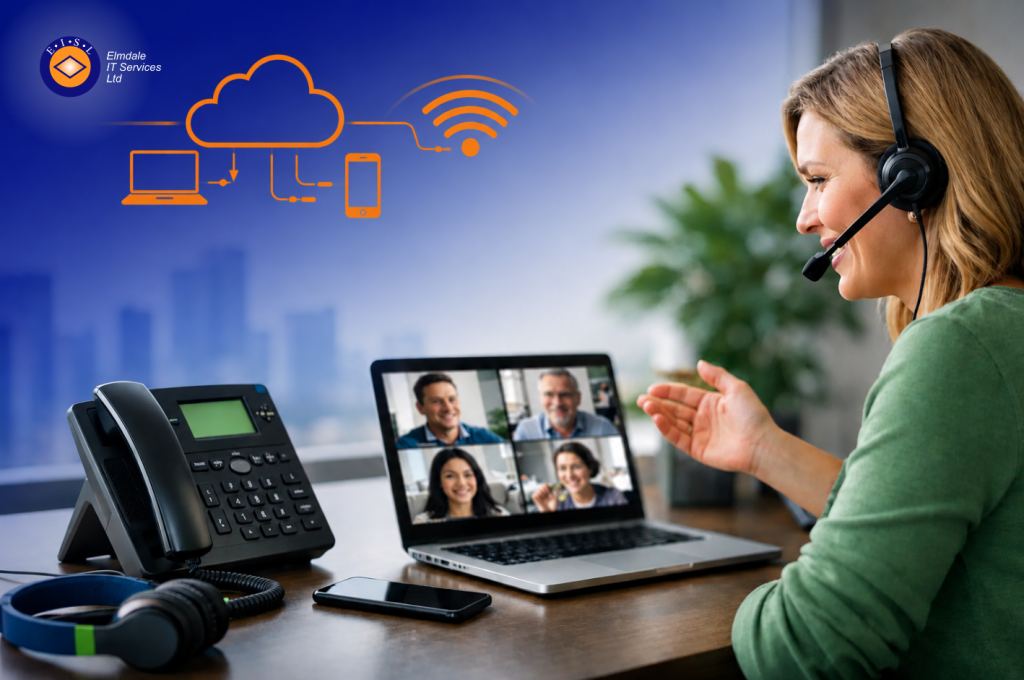
A remote team can forgive the odd video call glitch. They will not forgive missed client calls, patchy audio, or staff giving out personal mobile numbers because the office phone setup no longer fits how people work. If you are looking for the best phone system for remote workers, the right answer is rarely the cheapest package or the one with the longest feature list. It is the system that keeps your organisation reachable, secure and easy to manage wherever your people are based.
For most organisations, that points towards a cloud-based VoIP phone system. But even then, there is a difference between a platform that works adequately and one that genuinely supports remote working without creating new headaches for staff or IT.
What makes the best phone system for remote workers?
A good remote phone system should let staff take and make business calls from laptops, mobiles or desk phones using the same company number and the same core features. That sounds simple, but the details matter.
Call quality is the obvious starting point. If staff are working from home, shared offices, schools, or on the move, the system needs to handle variable internet connections well. That means clear voice quality, minimal delay, and sensible fallbacks if one device or connection drops out.
Just as important is consistency. A customer should be able to call your main number and reach the right person whether that employee is in the office, at home in Hampshire, visiting a client in Surrey, or working between sites in London. Remote working should not make your organisation feel harder to contact.
Security matters too. Voice systems now sit alongside email, cloud storage and collaboration tools as part of your wider IT estate. If your telephony is poorly managed, weakly secured, or disconnected from your broader cyber security approach, it becomes another point of risk. For schools and businesses handling sensitive information, that is not a small detail.
Why traditional phone setups struggle with remote work
Many organisations still carry the habits of older telephony, even after their working patterns have changed. They may have desk phones tied to one location, limited call forwarding, or a collection of mobile workarounds that grew over time rather than being planned properly.
That usually creates familiar problems. Calls get missed because forwarding rules are clumsy. Managers have little visibility of who is available. Staff use personal mobiles to plug the gaps. New starters are harder to set up. Moving numbers or changing call flows becomes an avoidable project.
This is where a modern cloud telephony platform earns its place. It removes the dependency on one office location and makes the phone system part of your wider business infrastructure rather than a fixed box in a comms cupboard.
The case for cloud VoIP
For most small and mid-sized organisations, a hosted VoIP system is the strongest option. It allows calls to be handled over the internet while giving users access through desktop apps, mobile apps and physical handsets where needed.
That flexibility is what makes it so well suited to remote and hybrid teams. Staff can move between home and office without changing numbers, and managers can update users, queues, greetings or routing rules without waiting for major engineering work.
It also tends to be easier to scale. If your organisation is growing, opening another site, or changing how teams are structured, cloud telephony adapts more easily than legacy systems. You are not rebuilding the entire setup each time your business changes.
That said, cloud VoIP is not automatically right in every form. A poor provider, weak setup or unmanaged rollout can still leave you with unreliable calls and frustrated users. The platform matters, but so does the design and support behind it.
Features worth prioritising
When comparing options, it is easy to get distracted by long feature lists. In practice, a smaller set of features usually makes the real difference.
First, look at device flexibility. The best phone system for remote workers should allow staff to answer calls on the device that suits their role, whether that is a laptop with a headset, a mobile app, or a desk phone in a home office. Different users will need different setups.
Second, pay attention to call routing. Hunt groups, auto attendants, voicemail to email, out-of-hours rules and intelligent forwarding help keep your organisation responsive even when staff are spread across locations. These tools should be simple to manage and easy for users to understand.
Third, consider presence and visibility. Teams work better when colleagues can see who is available, on a call, or away. That reduces internal delays and helps calls reach the right person first time.
Fourth, think about reporting. Managers often need to know call volumes, missed calls, answer times and peak demand. Without that visibility, service issues can go unnoticed until customers complain.
Finally, integration matters. If your team already relies on Microsoft 365 and collaboration platforms, your phone system should fit naturally into that environment rather than sitting apart from it.
Reliability depends on more than the phone platform
One of the biggest misconceptions is that buying a well-known phone system guarantees a good result. In reality, reliability depends on several moving parts.
Your broadband or leased line quality is one factor. Your wireless network matters too, especially if people use softphones on laptops or mobiles around the building. Headsets can make a surprising difference to call clarity. User setup, permissions and device management all play a part as well.
For remote staff, home internet quality will vary. A good phone system should cope with that as well as possible, but organisations also need sensible policies and support. If home working is business critical, it is worth treating telephony as part of the broader remote working setup rather than as a standalone purchase.
Security and compliance should not be an afterthought
Remote working has increased convenience, but it has also increased the number of endpoints and access points your organisation relies on. That includes telephony.
A business phone system should support secure access, controlled administration and clear user management. Former staff should be removed promptly. Call handling policies should be reviewed regularly. If call recordings are used, retention and access need to be managed properly.
For regulated organisations and schools, these points deserve careful attention. Telephony may feel operational, but it often intersects with safeguarding, confidentiality and data protection requirements.
Choosing the right setup for your organisation
There is no single answer that suits every business, school or multi-site organisation. A sales team working heavily on mobile devices may need a different configuration from an administrative office or a school reception team.
That is why the best decision usually starts with a few practical questions. How do your staff actually work day to day? Which calls are most important not to miss? Do some users need desk phones while others are better served by apps? How quickly do you need support if something goes wrong?
It is also worth thinking beyond today. If your current telephony is being replaced because remote work exposed its limits, choose a solution that still makes sense as your organisation grows or changes. A phone system should support continuity, not just patch a short-term problem.
For organisations that want telephony to fit properly with their wider IT, working with an experienced provider can make the difference between a tidy rollout and a drawn-out compromise. A consultative approach helps ensure call flows, security, connectivity and user experience are considered together. That is often where businesses get the greatest long-term value.
So, what is the best phone system for remote workers?
For most organisations, it is a well-designed cloud VoIP system backed by dependable support, strong security and a setup tailored to the way your teams actually work. Not the platform with the flashiest brochure, and not the one-size-fits-all package that ignores the realities of your business.
The best systems make remote staff feel connected, keep customers reaching the right people, and give decision-makers confidence that communications will hold up under pressure. They also leave room for change, whether that means more hybrid working, a new site, or tighter compliance requirements.
That is why the conversation should start with your operational needs, not just product features. Providers such as Elmdale IT Services often see the same pattern: organisations do better when telephony is planned as part of the wider IT picture, with clear advice, proper support and a solution shaped around the organisation rather than the other way round.
If your current setup depends on workarounds, personal mobiles and crossed fingers, it is probably time to rethink it. A good remote phone system does more than carry calls – it gives your staff a dependable way to work and your customers a dependable way to reach you.