

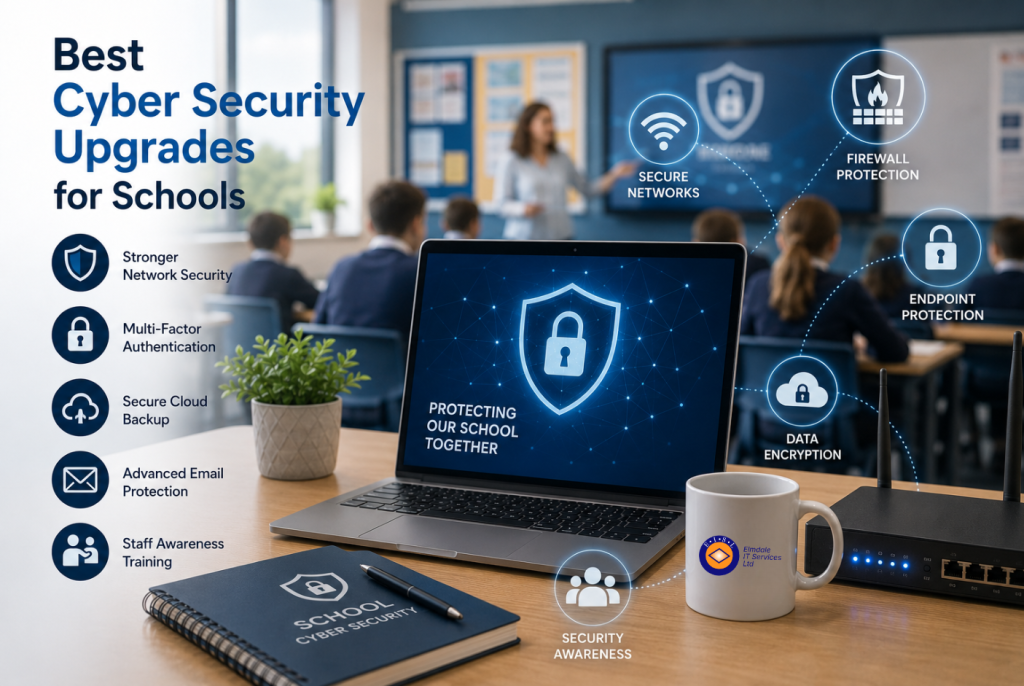
A school can lose access to teaching materials, safeguarding records and parent communications in a single morning if one compromised account reaches the wrong system. That is why the best cyber security upgrades for schools are not simply about buying another security product. They are practical improvements that reduce the chance of disruption, protect sensitive information and give staff clear steps to follow when something does not look right.
For schools, security has to work around real life: shared devices, busy staff, pupils who need appropriate access, visiting contractors and limited time for administration. The right approach is tailored to the school’s risks, existing systems and available budget.
Start with a clear view of your school’s risks
Before introducing new controls, establish what needs protecting and where weaknesses may sit. This should cover staff and pupil accounts, cloud platforms, on-site servers, wireless networks, laptops and tablets, backup arrangements, and systems managed by third parties.
A useful review also looks at who has access to what. Former staff accounts, overly broad administrator permissions and shared logins are common problems because they develop gradually. They can create an easy route into systems that hold personal data, financial information or safeguarding records.
The aim is not to create unnecessary restrictions. It is to ensure each person has the level of access they need to do their job, and no more. A managed IT partner can help turn this review into a realistic improvement plan rather than a long list of technical concerns.
1. Add multi-factor authentication to key accounts
Passwords remain vulnerable to phishing, password reuse and accidental disclosure. Multi-factor authentication, often shortened to MFA, adds a second check such as an authenticator app, security key or approval prompt on a trusted device.
MFA should be prioritised for email, Microsoft 365, remote access, finance systems, administrator accounts and any cloud service holding personal information. If an attacker obtains a password, MFA can prevent that password from being enough to sign in.
There are practical considerations. Staff need a simple enrolment process and a secure way to regain access if they replace or lose a phone. Some school systems may not support modern authentication, which is a reason to review them rather than leave a permanent exception in place. Carefully configured conditional access can reduce repeated prompts while maintaining appropriate protection.
2. Strengthen email security and phishing protection
Email is still the most common starting point for cyber attacks against schools. A convincing message may appear to come from a senior leader, a supplier, a parent or a familiar education service. It may ask a member of staff to open an attachment, reset a password or change bank details.
Modern email filtering should scan incoming messages for malicious links, impersonation attempts and dangerous attachments before they reach inboxes. Outbound protections can also help stop sensitive data being sent to the wrong recipient. Domain protection settings reduce the risk of criminals spoofing the school’s address when contacting parents or suppliers.
Filtering is valuable, but it is not a substitute for careful staff habits. Staff should know how to report a suspicious email, rather than feeling they have to decide alone whether it is safe. A quick reporting route gives the IT team a chance to investigate and protect others before a mistake becomes an incident.
3. Keep devices patched and professionally managed
Unpatched software gives attackers known weaknesses to exploit. This applies to more than staff laptops. Interactive whiteboards, servers, wireless equipment, tablets, firewalls and classroom devices can all become a risk if they are forgotten after installation.
A managed patching process provides visibility of what devices are connected, which updates have been applied and where action is needed. Critical security fixes should be installed promptly, while major feature changes may need testing first so they do not disrupt teaching applications.
Endpoint protection adds another layer. Modern tools can identify suspicious behaviour, isolate an affected machine and alert support teams quickly. This is particularly useful where staff work from home or devices move between classrooms. For shared pupil devices, management policies should prevent unauthorised software, control browser settings and ensure lost devices can be secured or wiped where appropriate.
4. Separate your network and secure Wi-Fi access
A single flat network makes it easier for a problem on one device to spread elsewhere. Network segmentation separates traffic into sensible areas, such as administration, staff, pupils, guest access, servers, CCTV and building systems. If a guest device is compromised, it should not be able to reach the school’s finance system or safeguarding data.
Secure wireless access needs the same attention. Staff networks should use strong authentication rather than a widely shared password that survives from one academic year to the next. Guest access should be isolated, time-limited where useful and monitored for unusual activity.
This upgrade can be more involved than adding a new security setting, especially in older buildings with mixed equipment. However, it often improves reliability as well as security by making it easier to manage who and what is using the network.
5. Create backups that can withstand ransomware
A backup that sits permanently connected to the same network as live data may be encrypted or deleted during a ransomware attack. Schools need backup arrangements that are monitored, protected from unauthorised changes and tested regularly.
A sensible approach includes more than one copy of essential data, with at least one copy stored separately from the main environment. Consider the data and systems required to keep the school operating: management information systems, file storage, finance platforms, learning resources, configuration records and key cloud data. Cloud services often provide resilience, but that does not always mean they provide a complete recovery point for accidental deletion or malicious changes.
The question is not only whether data can be restored, but how quickly. A school may accept a longer recovery time for archived materials, while payroll, safeguarding and teaching systems may need priority restoration. Document these decisions before an incident, not while staff are trying to reopen the school day.
6. Give staff useful, regular cyber awareness training
Cyber awareness works best when it is brief, relevant and repeated. Annual presentations alone are easily forgotten, particularly when phishing methods change quickly. Short training sessions, simulated phishing exercises and clear reminders at appropriate points in the year can build better judgement without blaming staff.
Focus on situations staff genuinely face: a request to buy gift cards, an invoice with changed payment details, an unexpected password reset, a parent email with an attachment, or a message that appears to come from the headteacher. Explain what to check, when to pause and who to contact.
Pupils need age-appropriate guidance too, particularly where they use school accounts, collaborative platforms or personal devices. This should cover safe passwords, reporting concerning messages and the responsible use of school technology. Security education supports safeguarding, but the two should be planned together rather than treated as identical subjects.
7. Prepare an incident response plan before it is needed
Even well-protected schools need a plan for the moment a suspicious event occurs. Staff should know who to contact, what information to record and why they should not attempt to fix a serious issue by deleting evidence or restarting systems without advice.
An effective response plan sets out who can make decisions, how to contact IT support outside normal hours, how affected accounts or devices will be isolated, and how the school will communicate with staff, parents, governors and relevant authorities if required. It should also identify where key recovery information is held if normal systems are unavailable.
Test the plan with a simple scenario. For example, what happens if a member of staff reports that their Microsoft 365 account sent unusual emails overnight? A short rehearsal often exposes gaps in contact details, permissions or backup recovery procedures that would be costly under pressure.
Choosing the right order for cyber security upgrades for schools
Not every school needs to replace its entire security setup at once. The most sensible order depends on the findings of the risk review, but MFA, email protection, patching and reliable backups are usually high-value early steps. Schools with ageing wireless infrastructure or open guest access may need network work sooner.
Budget should be considered across the full life of each upgrade, including licences, support, training and renewal dates. The cheapest solution can become expensive if it leaves staff with complex workarounds or cannot be monitored properly. Equally, a sophisticated platform may be unnecessary if the school does not have the capacity to manage it.
Elmdale IT Services can help schools assess their current position, prioritise practical improvements and provide ongoing support in plain English. The right security plan should leave staff freer to teach and support pupils, with the confidence that sensible protections are working quietly in the background.