

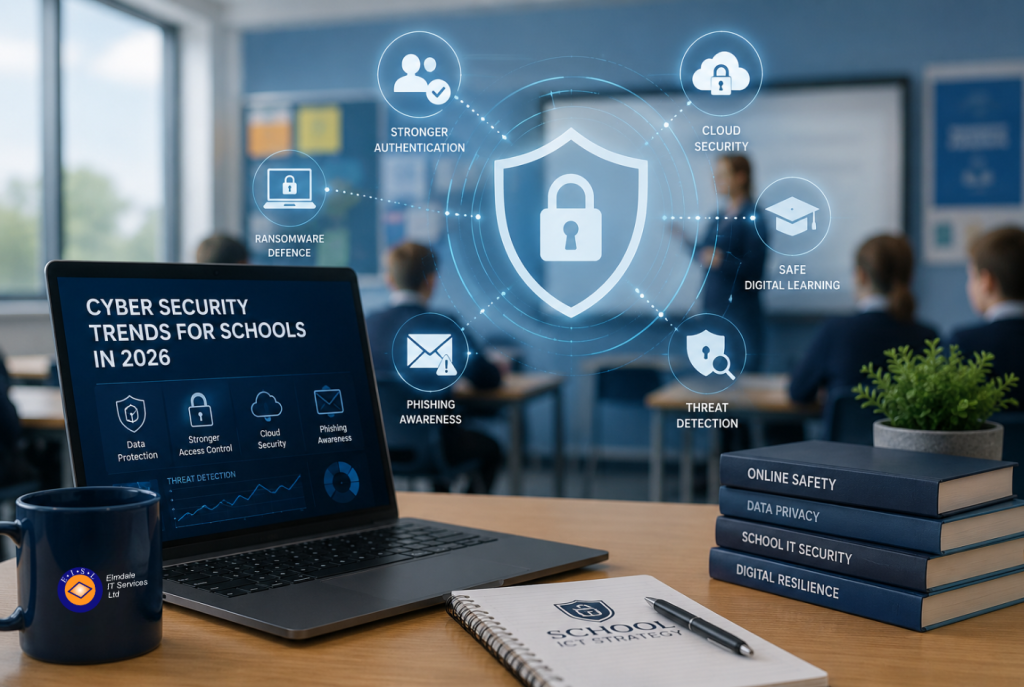
A compromised school account is rarely just an IT problem. It can interrupt lessons, expose sensitive pupil information, delay safeguarding work and leave staff trying to communicate with worried parents. The most relevant cyber security trends for schools are therefore not simply about new technology. They are about reducing disruption while protecting the people and information schools are trusted to look after.
For school leaders, bursars and administrators, the challenge is to make sensible security decisions without creating unnecessary friction for teachers or pupils. The strongest approach combines reliable technical controls, clear processes and support that is available when an issue needs urgent attention.
Cyber security trends for schools: the priorities for 2026
AI is making phishing more convincing
Phishing is still one of the most common ways attackers gain access to school systems, but the quality of fraudulent messages has improved. Artificial intelligence can help criminals produce natural-sounding emails that imitate senior leaders, finance teams, suppliers or parents. Obvious spelling mistakes are no longer a reliable warning sign.
Schools should expect messages requesting urgent payments, changes to bank details, password resets or access to shared files. A convincing email may also arrive from a genuine account that has already been compromised, making it harder to spot.
Technology can filter much of this threat before it reaches inboxes, but no filter catches everything. Staff need practical, regular guidance on checking unusual requests through a separate channel, reporting suspicious messages quickly and never sharing passwords or verification codes. Finance processes deserve particular attention: a change to supplier payment details should be independently verified, even when the request appears to come from a familiar contact.
Identity security is replacing the password-only approach
Schools use a growing number of cloud services for learning platforms, email, finance, safeguarding, HR and collaboration. Each account is a potential route into sensitive information, especially where staff reuse passwords or retain access after changing roles.
Multi-factor authentication is now a basic expectation for staff accounts, particularly those with access to Microsoft 365, finance systems and administrator tools. It adds a second check beyond a password, significantly reducing the risk that a stolen password alone can be used to access an account.
However, implementation needs care. A blanket policy can cause problems if shared devices, temporary staff or poor mobile signal have not been considered. Schools should establish clear procedures for enrolment, lost phones, emergency access and leavers. The aim is not to make access difficult. It is to make unauthorised access difficult.
Role-based access is equally important. A member of staff should only be able to see the systems and data required for their responsibilities. Reviewing permissions each term, and promptly removing accounts for leavers, reduces the impact of human error and limits the damage if an account is compromised.
Ransomware is now a continuity and safeguarding risk
Ransomware attacks can encrypt files, steal data and prevent access to essential systems. For a school, the effects may include unavailable teaching resources, disrupted communications, inaccessible pupil records and cancelled administrative work. Attackers increasingly threaten to publish stolen information as well as demanding payment to restore access.
The key trend is a move away from treating backups as a background task. Recovery capability needs to be tested and understood before an incident occurs. A backup that cannot be restored quickly, or that is connected to the same compromised network, may offer far less protection than expected.
A resilient approach keeps more than one copy of important data, stores at least one copy separately from the main environment and tests the restoration process regularly. The school should know which systems would be restored first, who has authority to make decisions during an incident and how staff, parents and governors would be kept informed if normal communication channels were unavailable.
There is a cost to stronger recovery arrangements, and not every system requires the same recovery speed. A sensible IT review will identify the services that are genuinely critical and align backup, cloud and disaster recovery arrangements to the school’s operational priorities.
Third-party risk needs closer attention
A typical school relies on a wide range of suppliers: learning platforms, payment providers, catering systems, visitor management tools, educational apps and cloud storage services. Each supplier may hold data, connect to school accounts or process payments on the school’s behalf.
This creates a broader risk than the school network alone. Before introducing a new platform, decision-makers should understand what information it collects, where data is stored, who can access it and how accounts are protected. It is also worth confirming how quickly the supplier will report a security incident and what support is available if access is lost.
This is not a reason to avoid useful educational technology. Many cloud services improve reliability and collaboration. It is a reason to choose tools carefully, avoid duplicating data across unnecessary platforms and maintain an accurate record of the systems in use.
Device management matters as learning becomes more mobile
Laptops and tablets now move between classrooms, homes and staff rooms. That flexibility supports teaching, but unmanaged devices can miss essential security updates, run unauthorised software or retain data after being reassigned.
Modern device management allows schools to apply security settings consistently, encrypt data, install updates, control applications and remotely remove school information from a lost device. This is especially valuable for staff laptops, which may hold email, documents and access to administrative systems.
The right level of control depends on the device and its user. A staff device with access to confidential records should have tighter controls than a classroom device used for age-appropriate learning applications. Clear policies help staff understand what is expected when working away from site and what to do if equipment is lost or stolen.
Cyber awareness is becoming part of everyday school operations
Annual awareness training has a role, but it is not enough on its own. Security guidance is more likely to work when it is short, relevant and reinforced throughout the year. Staff need to know how to report a concern without feeling that they will be blamed for raising it.
Useful sessions can focus on realistic situations: a suspicious email requesting an urgent payment, an unexpected multi-factor authentication prompt, a lost laptop, or a caller asking for pupil information. These conversations should include teaching, office, leadership and support teams, because attackers often target the person who appears busiest or least likely to challenge a request.
Schools should also consider incident response rehearsals. A short tabletop exercise can reveal whether contact details are current, whether leaders know their roles and whether critical decisions can be made promptly. Finding gaps during a planned discussion is far better than finding them during a live incident.
A practical way to set priorities
Security improvements do not need to happen all at once. For most schools, the most useful starting point is a clear assessment of existing risks, systems and responsibilities. This should cover user accounts, multi-factor authentication, backups, devices, email protection, suppliers and the school’s response plan.
From there, prioritise the actions that make the greatest difference to day-to-day resilience. In many cases, that means securing staff accounts, addressing unsupported equipment, testing backup restoration and tightening processes around payments and leavers before investing in more advanced tools.
A managed IT partner can bring independent oversight and technical capacity where internal teams are stretched. Elmdale IT Services works with organisations that need practical, tailored support rather than a generic checklist, helping schools make security decisions in plain English and maintain the controls they put in place.
The most effective school cyber security strategy is one that people can follow under pressure. Start with the risks that could stop the school functioning, test the response before it is needed, and give staff a clear route to ask for help when something does not look right.