

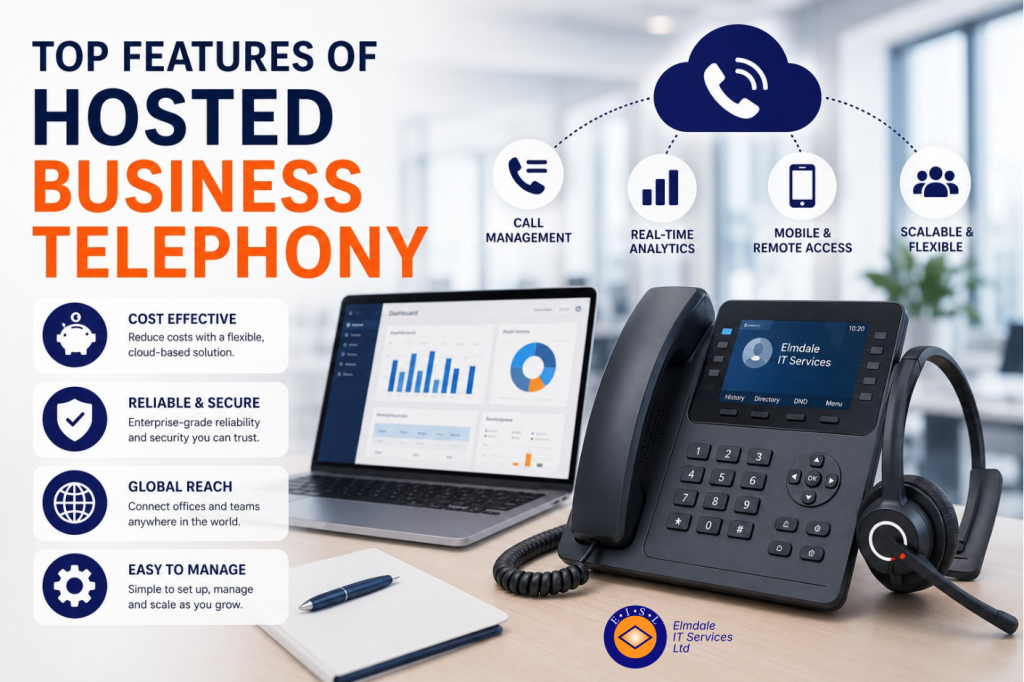
A missed call can mean a lost customer, a delayed supplier decision or a parent unable to reach the right person at school. The top features of hosted business telephony are therefore not simply a list of technical extras. They determine how professionally your organisation responds, how easily staff can work from different locations, and how well communications continue when the unexpected happens.
Hosted telephony moves your phone system from an on-site box to a cloud-based service. Staff can still use desk handsets, but calls can also be made and received through a laptop or mobile app. For small and mid-sized organisations, this can remove much of the cost and restriction associated with an ageing traditional system.
The right setup, however, should reflect how your people actually work. A busy reception desk, a sales team on the road, a school office and a multi-site professional practice will have different priorities. These are the features worth examining first.
Top features of hosted business telephony that matter
Intelligent call routing and auto attendants
A well-configured auto attendant answers calls with a professional greeting and gives callers clear choices, such as sales, accounts, technical support or the school office. This means a caller can reach the right team without waiting for one person to transfer every call manually.
Call routing goes further. Calls can follow set rules based on the time of day, department, staff availability or the number dialled. For example, an out-of-hours caller can be directed to an emergency contact process, while routine calls are held for the next working day. If a member of staff is already on a call or unavailable, the system can send the call to a colleague, a group or voicemail.
The value lies in careful planning. Too many menu options frustrate callers, while poorly chosen routing rules can send important calls in circles. A simple call flow based on your real customer journeys is usually the best approach.
Call groups, queues and overflow handling
Where several people can deal with the same type of enquiry, call groups and queues prevent calls from being tied to one desk or one individual. A sales or service call can ring several authorised users at once, or follow a planned order. This helps organisations respond consistently when someone is in a meeting, on annual leave or working remotely.
Queues are particularly useful for reception teams, support desks and school administration offices during peak periods. Callers can be told their position in the queue or offered a callback, rather than being met with an engaged tone. Managers can also set sensible overflow rules, so that calls are escalated after a set period instead of being abandoned.
There is a balance to strike. A queue may improve fairness and visibility, but it is not a substitute for having enough trained people available at busy times. Reporting will help you identify whether the issue is call handling or staffing capacity.
Flexible working from any suitable location
Hosted business telephony allows staff to take their business number with them. Through a softphone application on a computer or mobile device, they can make and receive calls using their work identity whether they are at home, in another office or visiting a client.
This is more than a convenience. It avoids staff sharing personal mobile numbers, gives callers a consistent experience and makes hybrid working easier to manage. A receptionist can answer the main number from an alternative location if the office is inaccessible, while field-based staff can remain part of the same call groups as colleagues at headquarters.
Flexibility should be supported by clear policies. Staff need to know when they are expected to be available, how to set their presence status and what to do with calls outside normal hours. For sensitive conversations, organisations should also consider the privacy of the location from which a call is being taken.
Business continuity built into call handling
A traditional phone system can be vulnerable when a site loses power, access or connectivity. Hosted telephony provides practical options for keeping calls moving. Numbers and call flows can be redirected to mobile devices, another site or remote staff without waiting for physical equipment to be repaired.
For organisations with customer-facing lines, this can be one of the most valuable features. If an office cannot be used because of a local incident, callers may still reach the same published number and receive the same routing options. Staff can continue answering from a safe alternative location.
Continuity depends on preparation. Internet connectivity at each key location, alternative contact arrangements and access to the telephony administration portal should all form part of a wider disaster recovery plan. A hosted platform reduces one area of risk, but it does not remove the need for tested procedures.
Clear visibility through call reporting
Call reporting turns telephone activity into useful management information. Depending on the system, reports can show call volumes, waiting times, abandoned calls, answer rates and the length of conversations. Supervisors can identify busy periods and see whether calls are reaching the intended team.
For a growing business, these insights help with practical decisions: whether to change opening hours, add users to a call group, adjust routing rules or provide further training. For schools and larger organisations, reports can support accountability around central reception or service desks.
The aim should not be to monitor every minute of an employee’s day. Used well, reporting reveals patterns and service pressures, helping managers improve the experience for callers and staff alike. Decide in advance what will be measured, who can access the data and how long it should be retained.
Integration with everyday business tools
A hosted phone system can often work alongside customer relationship management software, Microsoft 365 and other business applications. Features may include click-to-dial, screen pop-ups that display caller details and automatic call logging against a customer record.
For teams that handle high volumes of calls, this can reduce repetitive administration and give staff the context they need before answering. A client services team, for instance, may see previous notes or open cases as the call arrives. That supports a more informed conversation and reduces the need for callers to repeat themselves.
Integrations are not automatically worthwhile for every organisation. They need to be compatible with your existing systems, properly configured and supported over time. A smaller office may benefit more from reliable call routing and mobile access than from a complex integration that few people use.
Straightforward management and scalable users
Hosted telephony should make routine changes easier. Authorised administrators can add users, change voicemail messages, amend call groups or update opening hours without arranging an engineer visit for every small adjustment. This is useful for organisations that recruit regularly, operate seasonal teams or need to react quickly to changes in service delivery.
Scalability is equally important. You should be able to add extensions, handsets and licences as the organisation grows, without replacing the whole system. At the same time, ask about contract terms, minimum user numbers and the cost of optional features. Low headline prices can become less attractive if essential call recording, reporting or mobile licences are charged separately.
A good provider will help define who should have administrative access and which changes should be handled by your IT partner. The goal is control without creating unnecessary risk.
Security, call recording and compliance controls
Business calls can contain personal data, financial details or commercially sensitive information. Hosted telephony should therefore include practical security measures such as strong user authentication, permission controls and secure administration. Staff should be able to use the system without exposing account credentials or allowing unauthorised changes to routing.
Call recording may be useful for quality assurance, training, dispute resolution and regulated processes. But recording calls brings responsibilities. Organisations must tell callers where required, set a clear retention period and restrict access to recordings. It may not be appropriate for every department or type of call.
Consider compliance early, particularly if your organisation handles special category data, payment information or safeguarding-related conversations. The telephony provider, your internal policies and your wider cyber security arrangements all need to work together.
Do not overlook call quality and the network behind it
The best hosted telephony features cannot compensate for an unreliable connection. Voice calls require stable internet access, sufficient capacity and a network that gives voice traffic appropriate priority. Wi-Fi coverage, switch configuration and the quality of broadband or leased-line services can all affect the result.
Before moving to a hosted system, assess the network at each office and any location where staff regularly work. This does not mean every home worker needs identical connectivity, but expectations should be realistic. Video meetings, cloud backups and large file transfers can all compete for bandwidth if the network is poorly planned.
Handsets also deserve consideration. Desk phones suit some reception, shared-office and high-call-volume roles, while softphones may be ideal for mobile staff. Many organisations use a mixture, rather than forcing every employee into the same setup.
Choosing features around your organisation, not a package
The strongest telephony solution is built around the calls your organisation needs to handle. Start by mapping your most common call types, who answers them, what happens when that person is unavailable and where delays occur. Include exceptional situations, such as an office closure, a school emergency or a major service issue.
Then consider the experience from the caller’s point of view. Can they reach the right person quickly? Are they given useful information outside opening hours? Does a remote worker sound and appear as professional as someone at a desk in the office?
Elmdale IT Services helps organisations make these choices in plain English, combining hosted telephony with the network, security and ongoing support needed to keep it dependable. A short review of how calls move through your organisation can reveal improvements that benefit customers, staff and day-to-day resilience alike.