

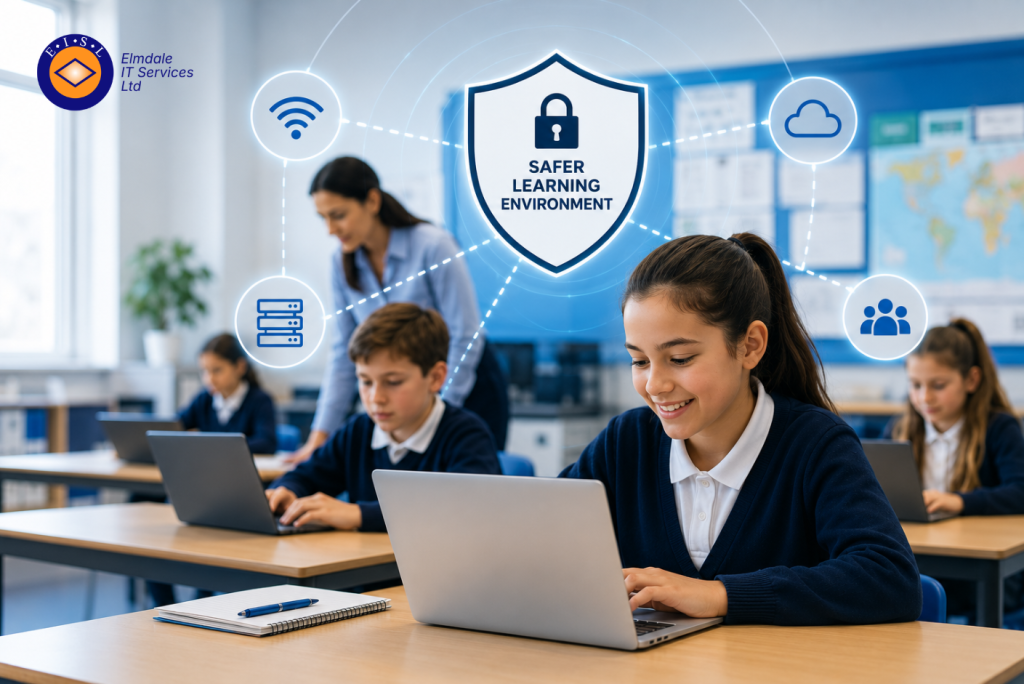
A teacher should not have to move nearer to a classroom door to keep an online lesson connected. Nor should the school office lose access to core systems because a network switch has failed. This school network upgrade case study follows a representative independent school facing these familiar pressures: unreliable Wi-Fi, ageing equipment and growing concern about cyber security.
The school had added cloud-based teaching platforms, more pupil devices and digital administration tools over several years. Its network, however, had not been planned for that level of demand. The result was an IT estate that worked well enough on quiet days, but became unpredictable when classrooms, staff and visitors were all online at once.
This is not an unusual position. Schools often make sensible, incremental technology purchases as needs arise. Over time, those decisions can leave a patchwork of wireless access points, switches and cabling that is difficult to manage, secure and support.
The challenge behind the school network upgrade
The school accommodated approximately 500 pupils across several buildings of different ages. Staff had reported slow connections in particular classrooms, intermittent drop-outs during video calls and inconsistent wireless coverage in communal areas. A small number of older access points could not support modern wireless standards, while the core network hardware was approaching end of life.
The impact went beyond inconvenience. When connections dropped during lessons, valuable teaching time was lost. Staff became reluctant to use digital resources they could not fully trust. The administration team also depended on a reliable connection to cloud services for safeguarding, finance, communications and pupil records.
Security was an equally important concern. The existing network had limited separation between different types of users and devices. Staff laptops, pupil devices, guest connections, printers and building systems shared more of the network than was appropriate. If one unmanaged or compromised device caused a problem, the potential effect was wider than it needed to be.
A complete replacement was one option, but it was not automatically the right one. The school needed a practical plan that would improve performance and protection without unnecessary disruption or spending on equipment that would not serve its longer-term needs.
Starting with a clear picture, not a shopping list
Before recommending technology, the project began with a review of the existing environment. This included the physical network cabinet, switches, cabling, broadband connection, firewall configuration, wireless coverage and the way different groups used the network.
A wireless survey was particularly valuable. Wi-Fi problems are not always caused by insufficient access points. Building materials, room layouts, interference from neighbouring networks and poor placement can all affect coverage. Adding hardware without understanding these conditions may increase cost without fixing the problem.
The review also considered how the school expected to work over the next three to five years. Would every pupil need a managed device? Were more lessons likely to use video or cloud applications? Did staff need reliable access from outdoor areas, halls or temporary classrooms? Were new security cameras, VoIP phones or access-control systems planned?
These questions helped turn a reactive network replacement into a plan aligned with the school’s operational priorities. The goal was not simply faster Wi-Fi. It was dependable access for teaching, administration and safeguarding, backed by a network that could be supported and expanded with confidence.
The school network upgrade case study solution
The recommended design replaced the ageing core switching equipment with managed switches capable of supporting higher speeds and Power over Ethernet. This allowed suitable wireless access points and other connected equipment to receive power through network cabling, reducing reliance on local plug sockets and making future changes easier.
New business-grade wireless access points were positioned according to the survey findings, rather than spread evenly across the site. Priority was given to teaching areas with the highest device density, alongside staff spaces and communal areas where reliable access mattered. The design allowed capacity to be added later without rebuilding the entire network.
Network segmentation formed a central part of the project. Separate network areas were created for staff, pupils, guests, printers and infrastructure devices. This meant guest users could access the internet without reaching internal school resources, while lower-trust devices had less opportunity to affect critical services.
The firewall was reviewed and configured to provide stronger controls over incoming and outgoing traffic. Web filtering and appropriate monitoring supported the school’s safeguarding responsibilities, while remote administration was restricted and protected. Good security is not a single product. It depends on sensible configuration, clear access controls, patching and continued oversight.
The school also retained a wired connection for devices and locations where it made most sense. Wireless is flexible, but it is not automatically the best answer for every service. Core servers, fixed office equipment and certain specialist systems can benefit from stable wired connections. A good design uses both where appropriate.
Planning the work around the school day
The technical design was only one part of a successful outcome. A school cannot simply close its network for a weekday morning and hope for the best. The upgrade was scheduled in phases around teaching commitments, with the more disruptive work completed outside normal hours where possible.
Equipment was configured and tested before installation. Existing settings were documented, key services were identified and a rollback approach was agreed in case an unexpected issue arose. Staff were told what would change, when it would happen and who to contact if they experienced a problem afterwards.
This planning matters because network upgrades can expose older issues that were previously hidden. An old cable may not support the required speed. A legacy device may rely on outdated settings. A printer may have been configured manually years earlier with no current record. Allowing time to identify and resolve these issues is safer than treating installation day as the beginning and end of the project.
What changed for staff and pupils
Following the upgrade, classrooms in the previously affected areas had more consistent wireless coverage and better capacity during busy periods. Teachers could use online learning materials with greater confidence, while staff video calls and cloud applications were less prone to interruption.
The administration team benefited from a more dependable connection to the services that support daily school operations. Just as importantly, the new network was easier to understand and manage. Clear documentation, labelled equipment and central visibility gave the school a better starting point for ongoing support.
Segmentation improved the school’s security position by reducing unnecessary access between devices and user groups. It did not remove cyber risk entirely – no technology can promise that – but it made the environment more controlled and easier to respond to if an issue occurred.
The project also created a foundation for future decisions. Whether the school adds more managed devices, expands a building or introduces new communications tools, it now has a network designed with headroom rather than one already operating at its limits.
Lessons for schools considering a network upgrade
The main lesson is that visible Wi-Fi issues are often only the surface problem. A slow lesson connection may point to wireless coverage, but it could also relate to switching capacity, cabling, internet bandwidth, device management or security controls. Treating the network as a connected whole leads to better decisions.
It is also worth balancing immediate needs with realistic future plans. Over-specifying every part of a network can tie up budget that could be better spent elsewhere. Under-specifying may mean revisiting the same problem in a year or two. The right answer depends on the size of the site, number of devices, building layout, teaching model and available budget.
For schools without a large in-house IT team, an experienced local partner can provide both the technical detail and the plain-English advice needed to make informed choices. Elmdale IT Services approaches network projects in that way: by assessing the environment first, explaining the options clearly and planning around the demands of the school day.
A reliable school network is not simply background infrastructure. It gives teachers the confidence to use technology well, helps staff protect vital information and allows pupils to learn without avoidable interruptions. The best time to plan for that reliability is before the next busy term reveals where the current network is struggling.