

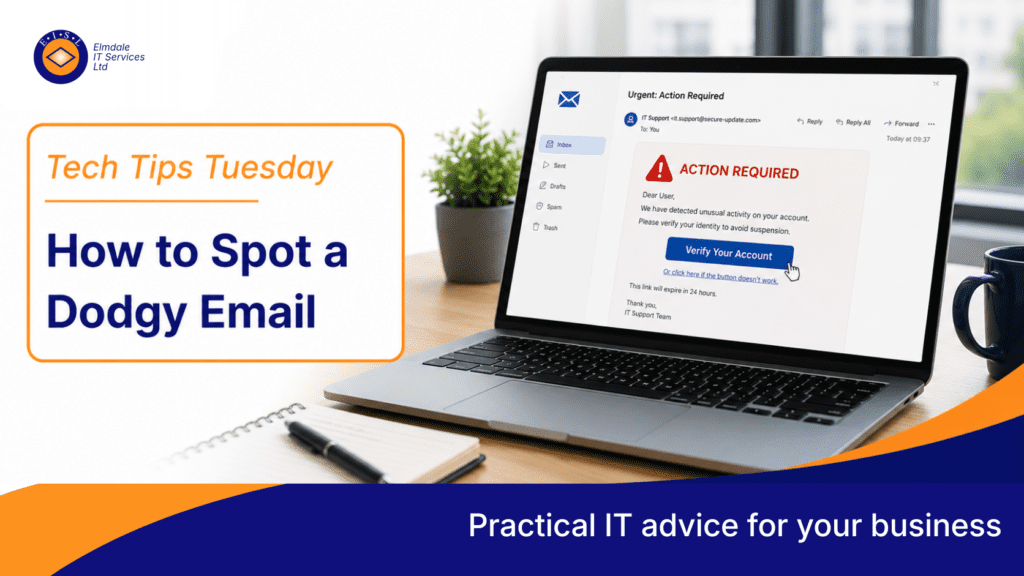
Dodgy emails are one of the most common ways cyber criminals target businesses.
They may pretend to be from a supplier, customer, bank, delivery company, Microsoft, or even someone senior inside your own organisation.
The goal is usually to make you click a link, open an attachment, enter your password, or make a payment.
Phishing emails are getting better
Years ago, phishing emails were often easy to spot. They had poor spelling, strange formatting, and obvious mistakes.
Today, many are much more convincing.
They may use real company logos, copied email signatures, and professional wording. Some even appear to continue existing email conversations.
Warning signs to look for
Be cautious if an email creates urgency or panic, asks you to click a link to avoid a problem, requests payment or bank detail changes, has unexpected attachments, comes from a slightly odd email address, uses unusual language, asks for passwords or MFA codes, or pushes you to act quickly without checking.
Check the sender carefully
Attackers often use addresses that look almost right.
For example, a fake address may use a small spelling change, extra word, or different domain.
Do not rely on the display name alone. Always check the actual email address if something feels suspicious.
Do not rush
Phishing emails work because they create pressure.
They may say your account will be closed, a payment is overdue, your password has expired, a parcel cannot be delivered, or a senior manager needs urgent action.
Before clicking anything, pause and check.
What should you do if unsure?
If an email looks suspicious, do not click links, open attachments, reply with sensitive information, or enter login details. Report it to IT and contact the sender using a known trusted method.
For example, if a supplier asks you to change bank details, call them using a known phone number, not the one in the email.
Steve’s tip
Trust your instinct.
If something feels wrong, it probably deserves checking.
It is much better to ask IT to review an email than to accidentally open the door to a cyber incident.
Final thought
Email security tools are important, but people are the final line of defence. Regular cyber awareness training helps staff spot threats before they become problems.
Elmdale IT can help with email security, phishing protection, staff cyber awareness training, and Microsoft 365 security reviews.
Featured image: steves-tech-tips-how-to-spot-a-dodgy-email.webp