

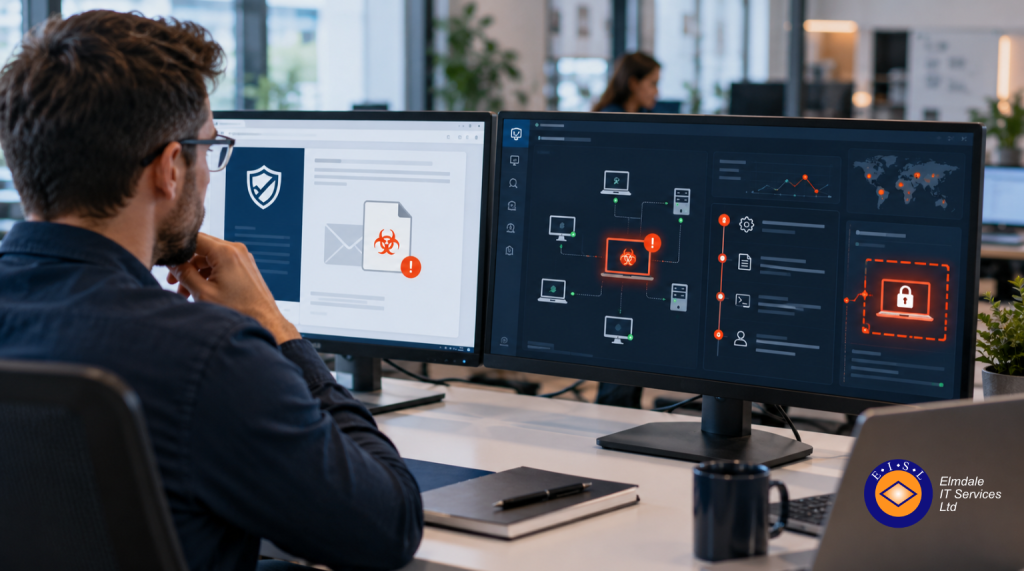
A suspicious invoice arrives in a member of staff’s inbox at 08:45. They open the attachment, nothing obvious happens, and work continues. By lunchtime, the attacker may have credentials, access to shared files, and a route into other systems. The difference between EDR versus antivirus software becomes very real at that point: one may block a known threat, while the other can help identify and contain the activity that followed.
For organisations across Berkshire, Hampshire, Surrey, Dorset, Wiltshire and London, endpoint security is no longer just about installing a package on each computer. Staff work remotely, use cloud applications and move between devices. Schools manage shared computers and sensitive pupil information. Businesses rely on uninterrupted access to customer data, finance systems and communications. Protection needs to reflect those practical risks.
EDR versus antivirus software: the key difference
Traditional antivirus software is primarily designed to prevent known malicious software from running. It checks files, downloads and applications against recognised threat signatures, suspicious patterns and rules. Modern antivirus products are far more capable than they once were, often including web filtering, ransomware protection and cloud-based intelligence.
EDR stands for Endpoint Detection and Response. It monitors activity on endpoints such as laptops, desktops and servers, collecting information about what is happening on the device. This may include processes starting, files changing, scripts running, user log-ins and connections to other systems. Its purpose is not simply to stop an attack at the front door. It is to spot suspicious behaviour, investigate it, and support a fast response when prevention has failed.
The distinction matters because cyber attacks do not always arrive as an obvious virus. A criminal might use a stolen Microsoft 365 password, a legitimate remote access tool or a convincing phishing email. They may use standard Windows functions to move through a network without installing the sort of file that older antivirus products were designed to catch.
Antivirus asks, in effect, “Is this file or action known to be dangerous?” EDR asks additional questions: “What happened before this? What else did this device do? Has the same behaviour appeared elsewhere? Can we isolate the machine before the problem spreads?”
What antivirus software does well
Antivirus remains a sensible baseline for every managed endpoint. It is generally straightforward to deploy, has a lower cost than a full EDR service and can prevent a large volume of routine threats. It is particularly valuable for blocking known malware, malicious downloads and unsafe websites before a user has the chance to make a costly mistake.
For a small organisation with a limited number of devices, good antivirus may be appropriate when it is properly configured, centrally managed and supported by other controls. Those controls should include multi-factor authentication, regular patching, reliable backups and staff awareness training. No security product should be expected to do all the work alone.
There are limits, however. Antivirus alerts can tell you that a threat was detected, but they may not provide enough context to show whether the attacker gained access before the block occurred. If a device behaves unusually but no recognised malware file is present, conventional antivirus may provide less visibility. Investigating an incident can then become slower and more uncertain.
Where EDR adds value
EDR gives an organisation greater visibility of activity that may otherwise be missed. If a staff member’s laptop begins launching unfamiliar command-line tools, accessing a high volume of files or communicating with an unusual external service, EDR can raise an alert based on that behaviour. It can also provide an investigation trail, helping IT teams understand the sequence of events.
Many EDR platforms can isolate an affected device from the network while still allowing an authorised technician to investigate it. That can be crucial during a ransomware incident. Isolating one laptop quickly is inconvenient; allowing malicious activity to reach a file server, cloud account or dozens of other devices is far worse.
The response element is just as significant as the detection. An alert that arrives without anyone available to assess it does not provide much protection. For this reason, many organisations choose managed EDR, where security specialists monitor alerts, investigate credible threats and escalate incidents under an agreed process. This is particularly useful for businesses and schools without an internal security operations team.
EDR does involve a greater investment. There are licence costs, deployment work and a need for experienced people to interpret findings. It can also generate alerts that require judgement. A legitimate administrator running a maintenance script may look unusual to the software, while a genuine attacker may deliberately try to blend in. The quality of configuration and monitoring is therefore as important as the product itself.
Choosing the right level of protection
The right answer is rarely a simple choice between antivirus or EDR. In many cases, EDR includes next-generation antivirus capabilities, giving organisations both prevention and deeper monitoring in one managed approach. The better question is whether your organisation has the likely risks, operational dependence and response capability to justify that additional layer.
EDR is usually worth serious consideration if your organisation holds sensitive personal, financial, pupil or commercial data; relies heavily on Microsoft 365 and remote working; has several sites or a growing number of devices; or would face significant disruption if files and systems became unavailable. It is also a sensible option where contractual requirements, insurers or governance expectations demand demonstrable security controls.
Antivirus may be sufficient as part of a well-managed baseline where the environment is small, devices are tightly controlled, data exposure is limited and there is a clear plan for responding to incidents. Even then, the decision should be reviewed as the business changes. A company that has added remote workers, cloud services and new suppliers has a different risk profile from the one it had three years ago.
When assessing protection, ask these practical questions:
- If a device is compromised at 10pm, who will see the alert and decide what to do?
- Can you quickly identify every device affected by the same suspicious activity?
- Would staff still be able to work if a key server or shared file area was unavailable for several days?
- Do you know whether security software is installed, updated and active on every endpoint?
- Can you restore important data reliably, including data held in cloud services?
These questions move the conversation beyond product names and towards business continuity. A security tool is only useful when it supports a response that is realistic for your people and systems.
EDR is not a replacement for the basics
It is tempting to view EDR as a complete answer to cyber security. It is not. It is an important layer, but it cannot compensate for weak passwords, missing updates, unrestricted administrator access or backups that have never been tested.
A practical security plan combines endpoint protection with multi-factor authentication, patch management, email security, least-privilege access, protected backups and clear procedures for reporting suspicious messages. Staff should know that reporting a questionable email is encouraged, even if it turns out to be harmless. Early reporting gives the IT team more time to act.
For schools, this also means considering shared devices, varied user permissions and the safeguarding implications of an incident. For commercial organisations, it means understanding which systems keep the business trading, serving customers and paying staff. The technology should be shaped around those priorities rather than selected solely because it is the cheapest licence or the most familiar brand.
A tailored decision is the safer decision
There is no universal point at which every organisation must move from antivirus to EDR. A five-person professional practice, a multi-site business and a school trust face different threats, obligations and budgets. What they share is the need for clear visibility, sensible controls and a support partner that can explain the options without unnecessary jargon.
Elmdale IT Services can help organisations assess their endpoint security, identify gaps and put proportionate protection in place. The aim is not to add technology for its own sake. It is to make sure that, when something suspicious happens, your organisation can prevent more, see more and respond with confidence.