

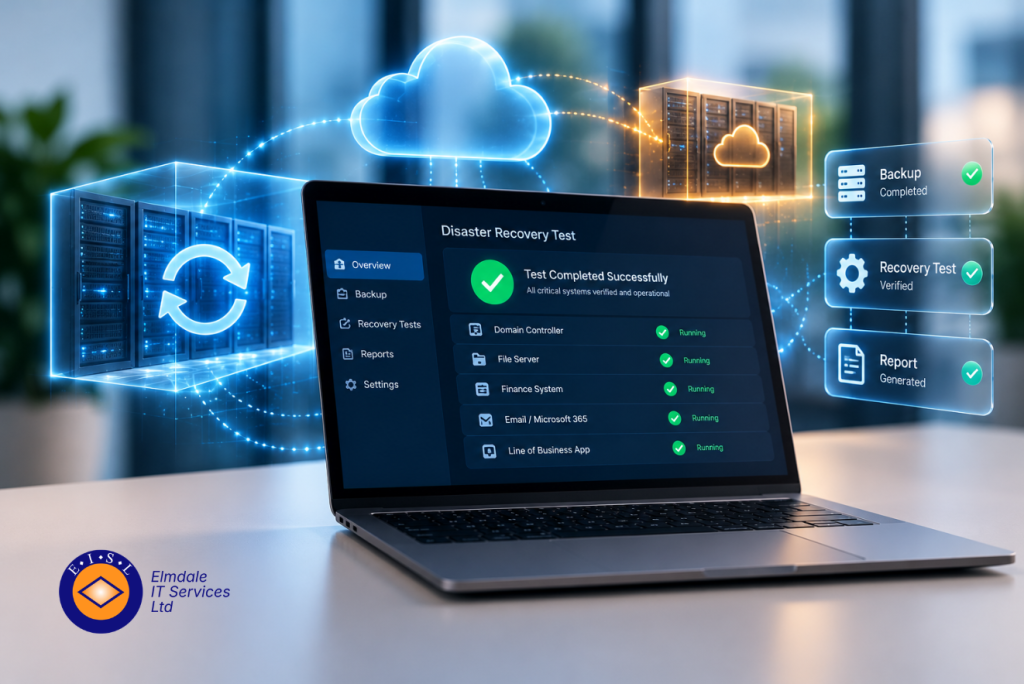
A backup that reports a green tick each morning can still fail when it matters. A file may be incomplete, an application may not start, or recovery may take far longer than the business can tolerate. That is why the best disaster recovery testing tools do more than confirm that data has been copied. They provide evidence that systems, services and people can recover within an agreed timeframe.
For organisations across Berkshire, Hampshire, Surrey, Dorset, Wiltshire and London, the right choice depends on what needs protecting. A school may need to restore critical pupil and finance systems quickly. A professional services firm may need access to Microsoft 365, line-of-business applications and client records. A business with on-premises servers may require an alternative site or cloud environment ready to take over.
The goal is not to buy the most complicated platform. It is to establish a recoverable, tested plan that matches the real consequences of downtime.
What a disaster recovery testing tool should prove
Disaster recovery testing is different from checking that backup jobs have completed. A useful test confirms whether a usable copy of the data exists, whether the virtual machine or application can start, whether users can work with it, and how long the process takes.
The strongest platforms automate part of this work. They can start a recovered server in an isolated environment, check that key services respond, create a report and then remove the temporary test environment. This reduces manual effort and makes regular testing more achievable.
Automation does not remove the need for human checks. A tool can show that a server is running, but it cannot always tell whether invoices can be raised, calls can be answered or staff know who is authorised to declare an incident. Recovery testing should therefore combine technical evidence with a clear business process.
When comparing options, focus on recovery time objective (RTO) and recovery point objective (RPO). RTO is how quickly a service must return. RPO is the amount of data the organisation can afford to lose. A system backed up overnight may be acceptable for archived files, but not for a busy database where a full day’s transactions would be costly.
Best disaster recovery testing tools to consider
Veeam Data Platform
Veeam is a strong option for organisations running virtual servers, particularly those using VMware or Hyper-V, and it is widely used by managed IT providers. Its SureBackup capability can automatically verify the recoverability of backups by starting machines in an isolated virtual lab and carrying out checks such as ping tests or application-level verification.
This is valuable because it produces a repeatable test rather than relying on an occasional manual restore. It can also help demonstrate that a recovery process has been checked for governance, insurance or customer assurance purposes.
Veeam is best suited to organisations that need flexibility and have, or work with, technical expertise to design the recovery workflow properly. Licensing, storage design and configuration can become more involved than simpler cloud-first backup services. It is a capable platform, but it must be aligned to the actual systems and recovery targets rather than configured as a generic backup product.
Datto BCDR
Datto BCDR combines backup, local recovery capability and cloud-based disaster recovery in an appliance-led service. Its verification features can automatically boot protected systems in an isolated environment and provide screenshot-based evidence that recovery points are usable.
For smaller and mid-sized organisations, the main attraction is speed. If a local server fails, it may be possible to virtualise systems from the appliance while a permanent repair or replacement is arranged. If the site itself is unavailable, cloud recovery offers another route back to service.
This approach can be particularly useful where extended downtime is not acceptable but maintaining a separate recovery site would be impractical. The trade-off is that it is a managed, integrated solution rather than a collection of components that can be selected independently. It needs careful sizing around data growth, retention and the number of systems that may need to run during an incident.
Azure Site Recovery
Microsoft Azure Site Recovery is designed for organisations that want to replicate workloads to Azure and carry out controlled test failovers without disrupting production. A test failover starts replicated systems in a separate network, allowing IT teams to check the recovery sequence, connectivity and application behaviour.
It is a sensible option for businesses already invested in Microsoft technologies or those planning to reduce reliance on an on-premises server room. It can support recovery of physical servers and virtual machines, although the design needs attention. Network settings, identity services, application dependencies and costs during a live recovery all need to be understood beforehand.
Azure Site Recovery is not automatically the best answer simply because an organisation uses Microsoft 365. Microsoft 365 protects collaboration services, but it does not replace a disaster recovery strategy for local servers, specialist software or data stored outside the platform.
Zerto
Zerto is often considered where organisations need very low RPOs and frequent, non-disruptive testing. It uses continuous data protection and journal-based recovery, enabling teams to recover to a point shortly before an outage or cyber incident rather than relying solely on a nightly backup.
This can be well suited to larger organisations, critical applications and environments where data changes throughout the day. Test failovers can be run in isolated environments, giving IT teams a way to validate recovery without affecting normal users.
The cost and complexity may be more than a smaller organisation needs. Zerto tends to make most sense where the financial or operational impact of even a few hours of lost data is clearly understood and significant.
Acronis Cyber Protect Cloud
Acronis Cyber Protect Cloud brings backup, recovery and cyber protection together, making it a practical consideration for organisations that want one service to address several risks. It supports recovery testing and can help protect systems from threats that may otherwise compromise backups or delay restoration.
The security element matters because disaster recovery increasingly overlaps with ransomware response. A recoverable copy is of limited use if it is encrypted, deleted or cannot be trusted. Features such as immutable storage, access controls and monitoring should form part of the decision alongside testing capability.
Acronis can be a good fit for cloud, endpoint and server protection, especially where the business prefers a consolidated service. As with any multi-purpose platform, confirm that the recovery testing process meets the needs of your most critical applications, not just standard file restoration.
Do not confuse backup verification with a full recovery test
Many backup products perform integrity checks. These are useful and should not be dismissed, but they are only one layer of assurance. An integrity check may show that a backup archive is readable. It does not necessarily confirm that the operating system starts, the database is consistent, users can authenticate or a business application can connect to its required services.
A meaningful disaster recovery test should follow the order in which the business would recover. For example, identity and network services may need to be restored before a finance system, while a cloud telephone platform may remain available even if the office cannot be used. The sequence will differ from one organisation to another.
Document the result in plain English. Record the recovery point used, the time taken, systems tested, issues found and actions agreed. This turns testing into an improvement process rather than a technical exercise completed once a year.
How to choose the right approach
Start with the services that would cause the greatest disruption if they were unavailable for a day. Speak to the people who run those services, not only the IT team. Their input will reveal dependencies that are easy to miss, such as a desktop application that relies on a specific server, a shared drive or a specialist printer.
Next, decide how often each system needs testing. Critical platforms may need automated monthly verification and a more detailed scheduled failover test. Less critical data may only need a periodic restore test. Regular, proportionate tests are more useful than a large annual exercise that is difficult to repeat.
Also consider who will manage the recovery. A powerful platform is not much help if the only person who understands it is unavailable during an incident. Clear documentation, named responsibilities and external support arrangements matter as much as the tool itself.
For many businesses, the best answer is a tailored combination: verified backups for everyday recovery, cloud failover for essential servers, immutable copies for cyber resilience, and a documented test schedule. At Elmdale IT Services, that assessment begins with business impact and recovery priorities, then works back to the technology required.
A tested recovery plan gives decision-makers something more valuable than a reassuring dashboard: confidence that the organisation can keep operating when its normal systems cannot.